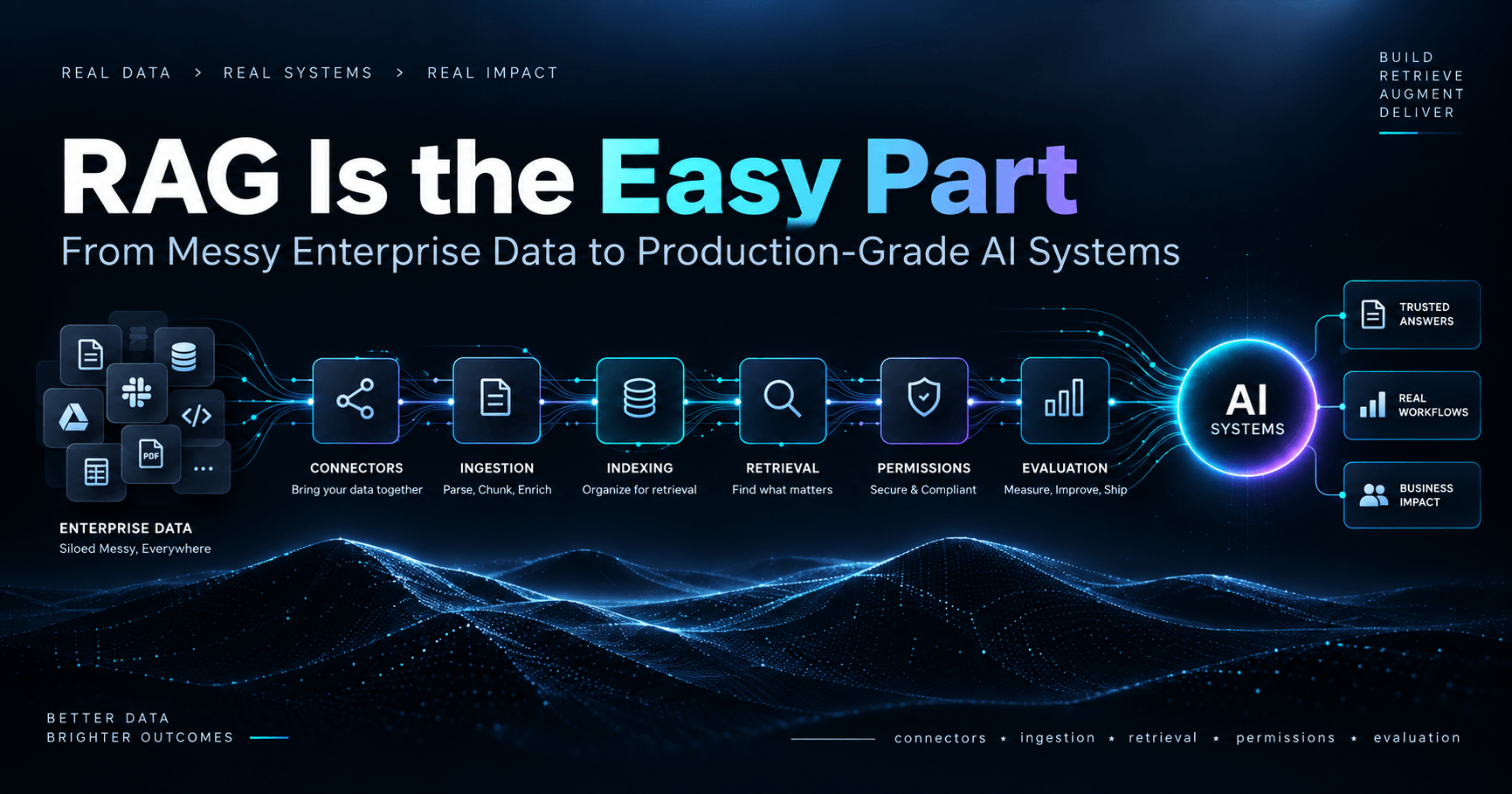
How I Built a Fully Local RAG App with Ollama, FastAPI, and Qdrant

As developers, we’re often faced with the question:
How do we bring AI into our apps without giving up privacy, control, and budget?
The answer: local-first AI using Retrieval-Augmented Generation (RAG).
RAG allows you to feed your own data (PDFs, notes, docs) into an LLM—so it doesn't hallucinate but instead grounds its answers on your actual content.
When done locally, this becomes a powerful, private, and fully offline assistant.
In this guide, I’ll show you how I built a local, private ChatGPT clone that:
Reads PDFs or markdown files
Embeds and indexes them into a vector database (Qdrant)
Uses a local LLM (via Ollama) for generating responses
Serves everything over a clean FastAPI backend
No OpenAI. No vendor lock-in. No tokens burned.
Architecture Overview

1. The Theory Behind It
🔸 What is RAG (Retrieval-Augmented Generation)?
RAG bridges two worlds:
Information Retrieval (search, chunking, semantic similarity)
Text Generation (LLMs like GPT, LLaMA, Mistral)
Instead of making your model "know everything," you let it look things up. This drastically improves accuracy and interpretability.
🔸 Why Local?
You control your data
Costs are predictable (or free)
Perfect for privacy-sensitive domains like healthcare, law, or enterprise internal tools
2. Setup & Tools
Stack:
Ollama – Run Mistral or LLaMA locally with GPU or CPU.
FastAPI – Lightning-fast Python API framework.
Qdrant – Vector database for semantic search.
LangChain – Orchestrates RAG logic.
Sentence Transformers – For embedding docs.
3. Installing Dependencies
Python Packages:
pip install fastapi uvicorn langchain qdrant-client pypdf sentence-transformers
Ollama:
# MacOS
brew install ollama
ollama run mistral

# Linux
curl -fsSL https://ollama.com/install.sh | sh
Qdrant via Docker:
docker run -d -p 6333:6333 -p 6334:6334 qdrant/qdrant
4. Load & Chunk Your Docs
We’ll use LangChain to split PDFs into small chunks for embedding.
from langchain.document_loaders import PyPDFLoader
from langchain.text_splitter import RecursiveCharacterTextSplitter

loader = PyPDFLoader("example.pdf")
pages = loader.load()

splitter = RecursiveCharacterTextSplitter(chunk_size=500, chunk_overlap=50)
docs = splitter.split_documents(pages)
🔎 5. Embed and Store in Qdrant
from langchain.embeddings import HuggingFaceEmbeddings
from langchain.vectorstores import Qdrant

embedding_model = HuggingFaceEmbeddings(model_name="all-MiniLM-L6-v2")

qdrant = Qdrant.from_documents(
    documents=docs,
    embedding=embedding_model,
    location="http://localhost:6333",
    collection_name="mydocs"
)
6. FastAPI Backend
Let’s build a clean API to handle queries, retrieve docs, and pass them to the local LLM.
from fastapi import FastAPI
from pydantic import BaseModel
import requests

app = FastAPI()

class Query(BaseModel):
    question: str

@app.post("/ask")
def ask(query: Query):
    retriever = qdrant.as_retriever(search_kwargs={"k": 4})
    docs = retriever.get_relevant_documents(query.question)

    context = "\n\n".join([d.page_content for d in docs])
    prompt = f"""Use the following context to answer the question:\n\n{context}\n\nQuestion: {query.question}"""

    response = requests.post("http://localhost:11434/api/generate", json={
        "model": "mistral",
        "prompt": prompt,
        "stream": False
    })

    result = response.json()
    return {"answer": result["response"]}
Run it:
uvicorn app:app --reload
7. Interacting With It
You can now hit:
curl -X POST http://localhost:8000/ask \
  -H "Content-Type: application/json" \
  -d '{"question": "Summarize the document."}'
Or use Postman, Insomnia, or even a React/Vue frontend.
8. Privacy, Security & Real-World Considerations
This system never leaves your machine. Great for air-gapped environments.
If needed, you can Dockerize the whole stack and deploy it on your private cloud.
Upgrade Qdrant with TLS, authentication.
Switch embedding model to
intfloat/e5-large-v2for better multi-lingual/doc understanding.
9. Bonus: Add File Upload + Frontend
Extend your FastAPI backend with /upload endpoint using aiofiles, and wire up a React frontend with:
Drag-and-drop file upload
Chat window with streaming responses
Local memory using IndexedDB
10. Final Thoughts
This stack changed how I prototype AI tools. Instead of burning tokens and stressing about data security, I now run entire GPT-style systems locally, with:
Real-time responses
Grounded context from my docs
Full control over prompt tuning and latency
If you enjoyed this, follow my blog or drop me a message. I love building clean, production-ready tools that put AI in the hands of indie developers and engineers.
Comments
Join the discussionNo comments yet. Be the first to comment.